PTPL 222 · How to create a working Forster list in a single text file You really, really don't need a new app for this 7 minute post Structured procrastination, formalised. A todo system built a
DuckDuckGo did not detect any trackers. More
7 minute post
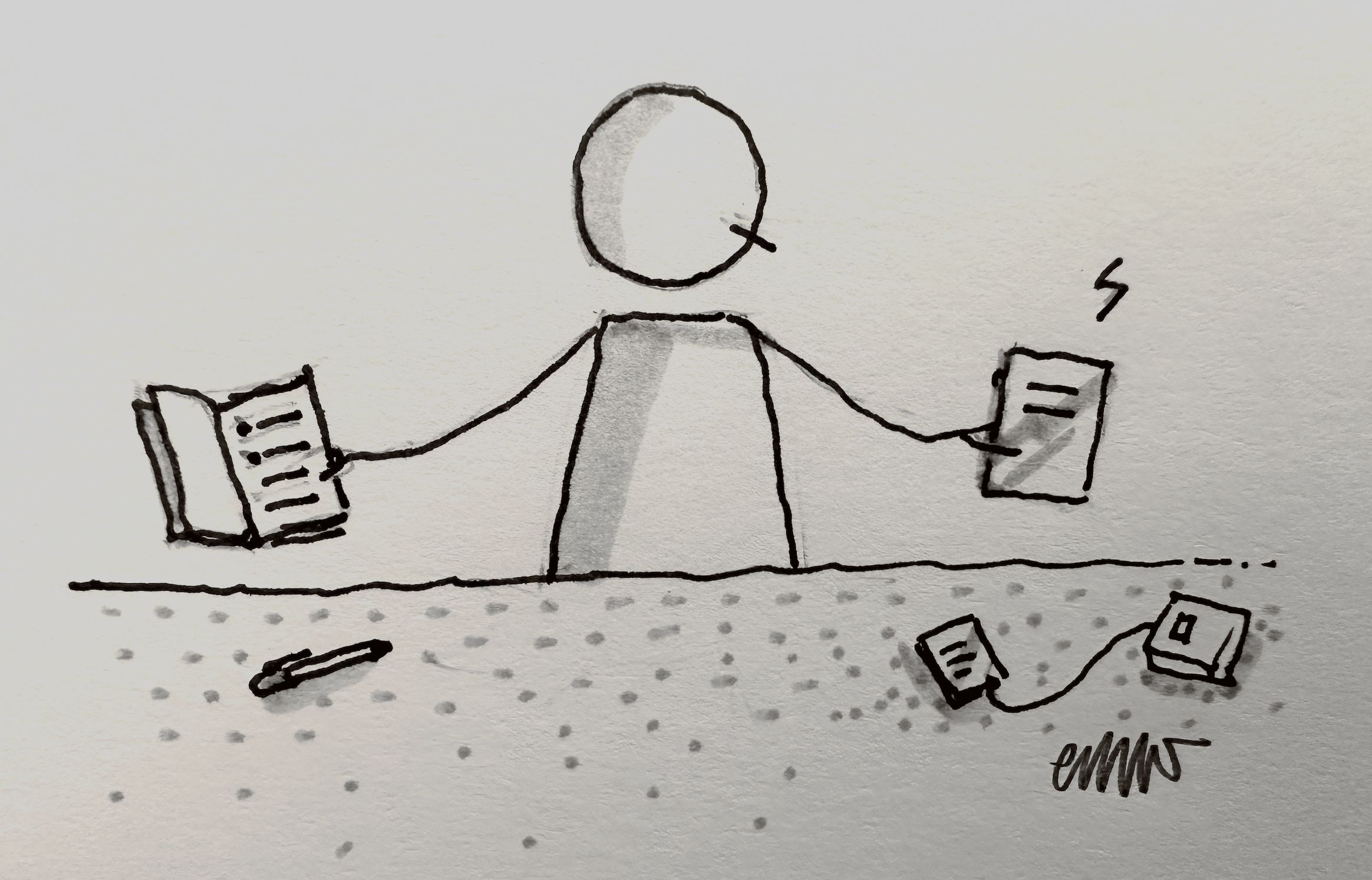
Structured procrastination, formalised. A todo system built around readiness instead of priority or time, in one plain text file.How to create a working Forster list in a single text file
I've been tracking tasks in a Forster list for over a month now. This list lives in an A6 squared notebook that goes with me (almost) everywhere. It's been a wonderful experience, giving me a great balance between structure and freedom during what's been a rather difficult year. But life continues and there are things to be done.
This week's (rather lengthy) post shows you how to create a Forster list in a single text file, that works just as well as its analog counterpart. Comes with tips for both digital and paper todo lists, and an opinionated reminder that you don't have to choose just one and stick with it for life. This is advice worth considering whether you are a Forster list user or not.
---
This is an approximately weekly email. Following my RSS feed is always your best bet to see posts as soon as they land. Learn about RSS.

All my work is written on a computer, not by one.
Join the plain text discussion in the Dark Forest (DFOS) — it's an anti-algorithmic space to nerd out with over 100 curious minds.
If the links in this email are misbehaving, head over to ellanew.com and search for posts by their PTPL number.

Click here for past PTPL editions
💬 I love to hear from readers! email hello@ellanew.com or message me on Mastodon or Bluesky.
You can follow my RSS feed https://ellanew.com/feed.rss, or, if this newsletter was forwarded to you, sign up _to receive posts in your inbox._
Unsubscribe | Update your profile | 600 1st Ave, Ste 330 PMB 92768, Seattle, WA 98104-2246

